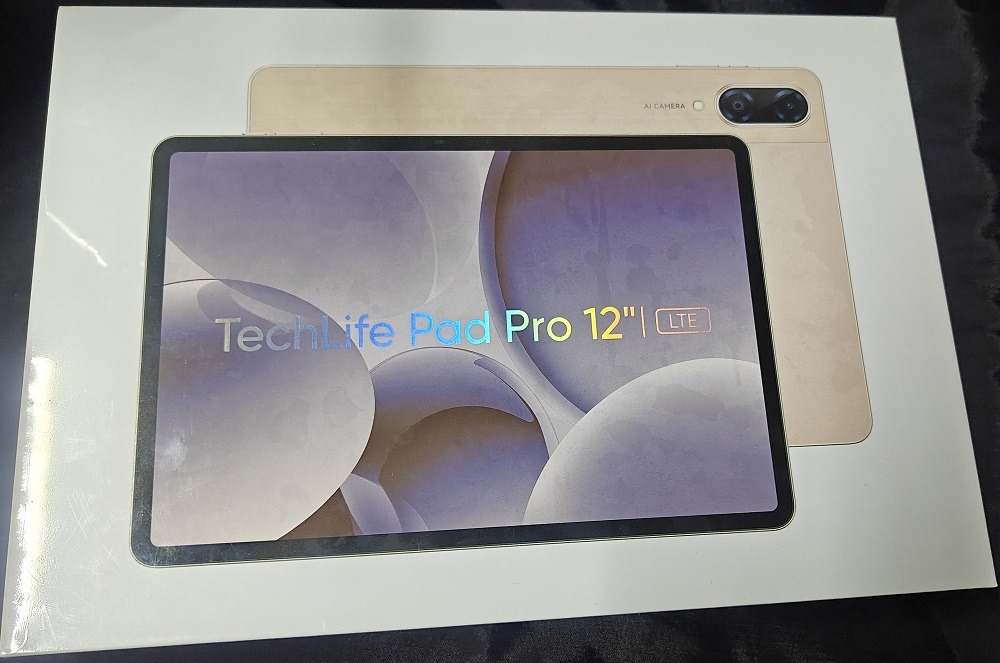
TechLife Philippines, the budget-friendly division of realme, recently launched the TechLife Pad Pro 12″ LTE, a versatile entry-level tablet aimed at those in need of practicality without breaking the bank.
Promising robust performance, a long-lasting battery, and a vibrant display, Newsbytes.PH had the opportunity to put these claims to the test.
Design and Display
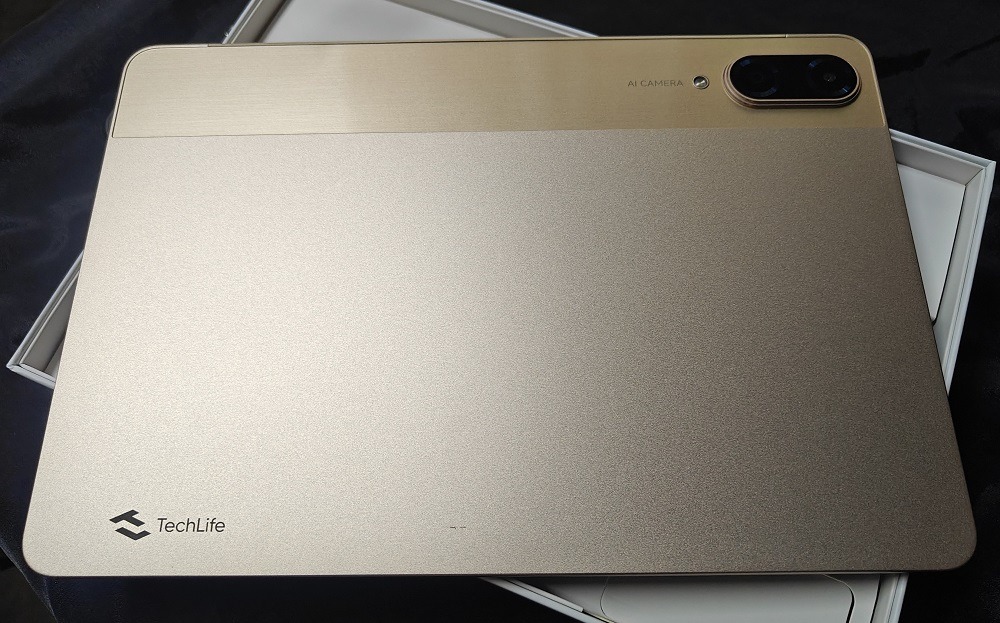
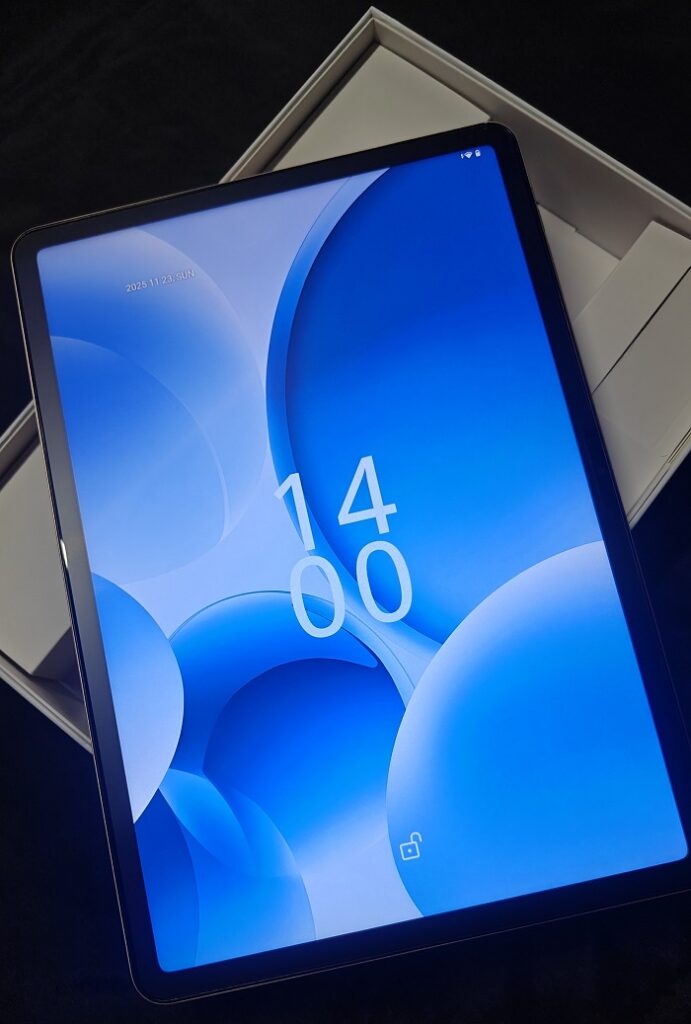
The TechLife Pad Pro features a 12.2-inch IPS TFT LCD screen, with a refresh rate of 90Hz and a brightness of 480nits. While being only an LCD display, it still delivers responsive interactions and striking images, thanks to its 1600×2400 FHD+ resolution — ideal for media consumption.
The display is housed in an aluminum and plastic casing, which feels sturdy. It has a quarter inch of a bezel around the screen, which is makes it secure, but not too big to limit the view.
The tablet has a thin profile at only 7.3mm, and along the edges, it has a volume rocker, power button, and quad speakers. This makes the tablet very portable, but the 622g weight could be quite cumbersome after prolonged use.
Performance
The Pad Pro is run by a MediaTek Helio G200 processor, an upgrade from the TechLife Pad Plus’ Helio G91. Paired with 8GB of dynamic RAM and 256GB of storage — expandable via SD card up to 1TB — the tablet is designed to handle everyday multi-tasking with ease.
Benchmark tests on Geekbench 6 showed a single-core score of 722 and a multi-core score of 1,763, placing it favorably among entry-level chipsets, though it does still have its limitations with more intensive applications like 3D rendering or advanced video editing.

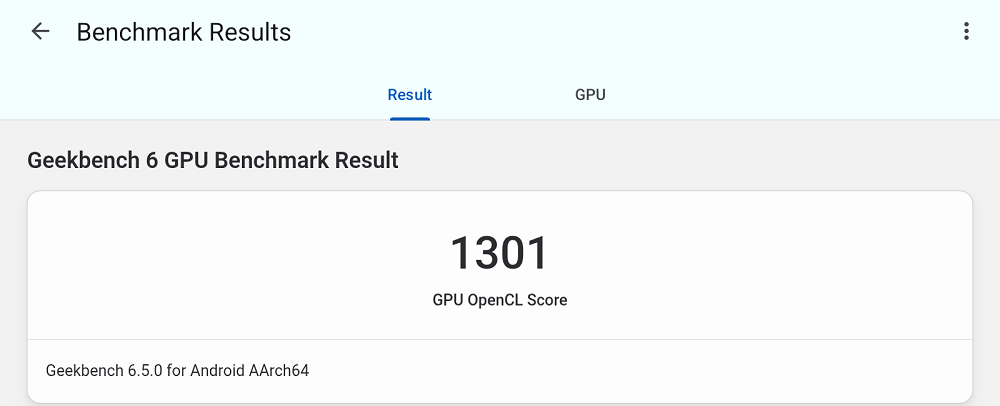
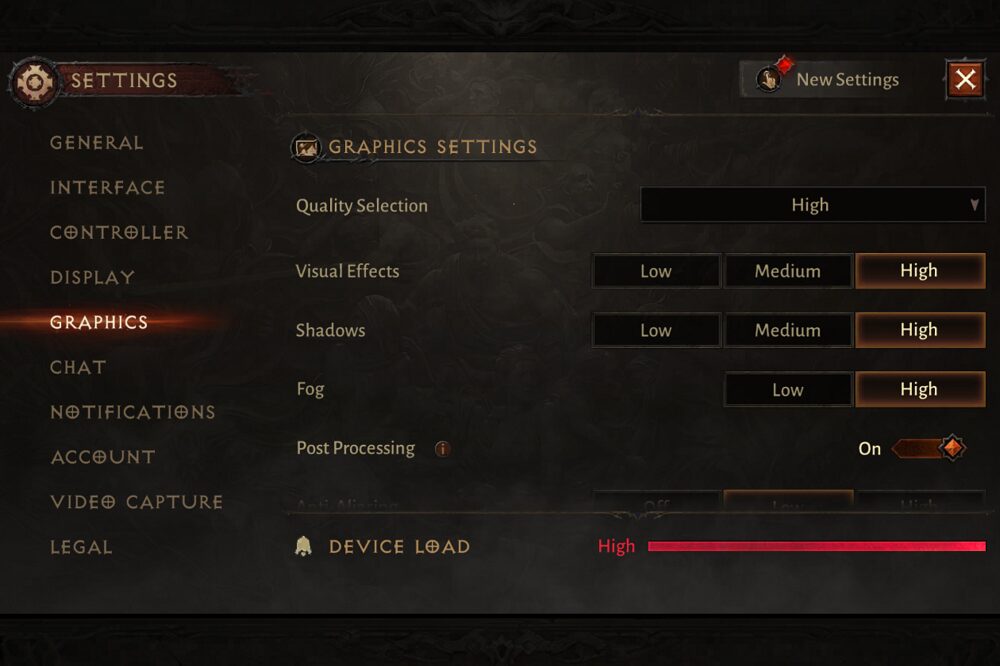
The Helio G200’s Mali-G57 MC2 GPU makes light gaming and media playback smooth, scoring 1,301 on Geekbench 6. While it can handle games like Diablo Immortal on “high” settings without stuttering, some graphical quality is sacrificed, resulting in grainy images.

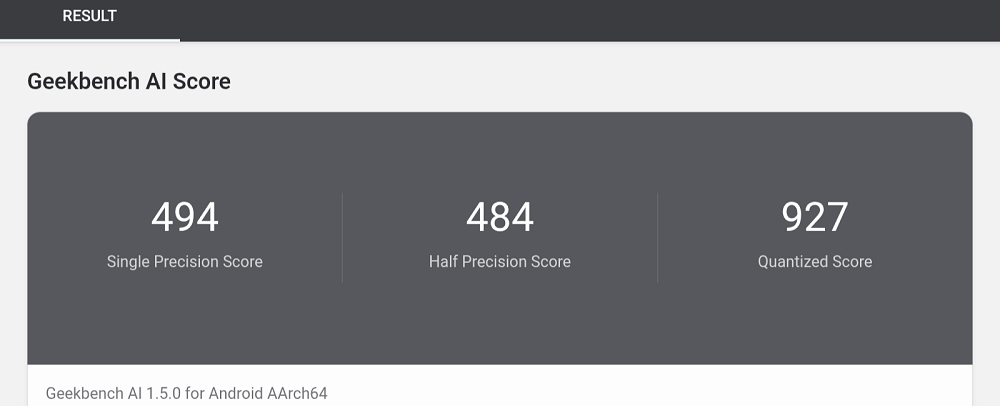
Operating on Android 15, optimized for tablet use, it includes some AI tools for image editing and the Google Gemini AI assistant. However, with a quantized score of only 927 on Geekbench AI, its capabilities might not impress those seeking advanced features.
Camera Performance
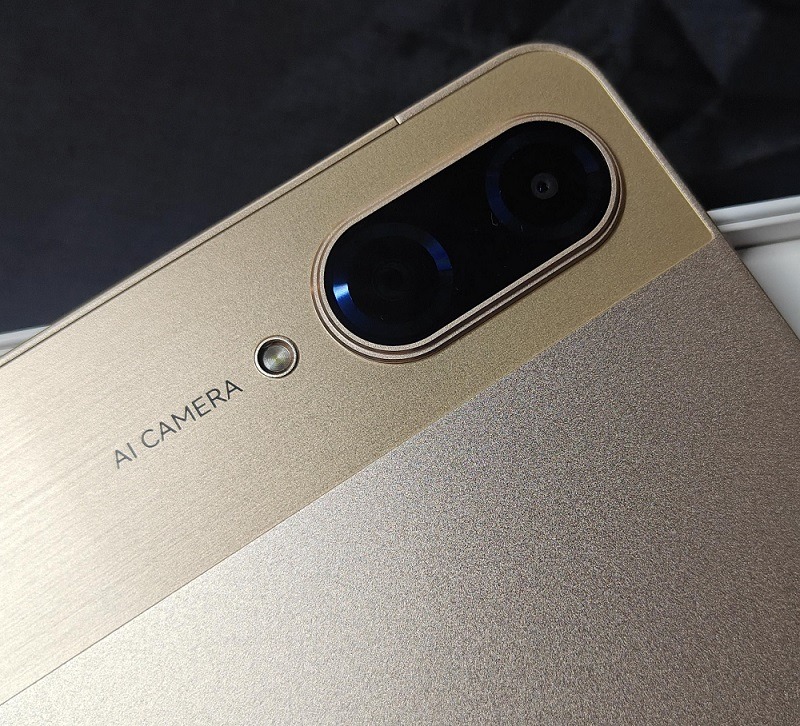
Equipped with a 13MP rear and an 8MP front camera, the Pad Pro captures decent images under good lighting conditions. However, users will need stable hands for the best results.
While it lacks AI-driven image processing, some built-in editing tools provide some level of enhancement. It is suitable for basic photography and online meetings, but may fall short for those seeking superior quality for social media content.

Battery Performance
The TechLife Pad Pro is powered by a 10,000mAh battery, supporting 33W charging capabilities. This battery can deliver about 8 hours of video playback and a standby duration of up to 41 days.
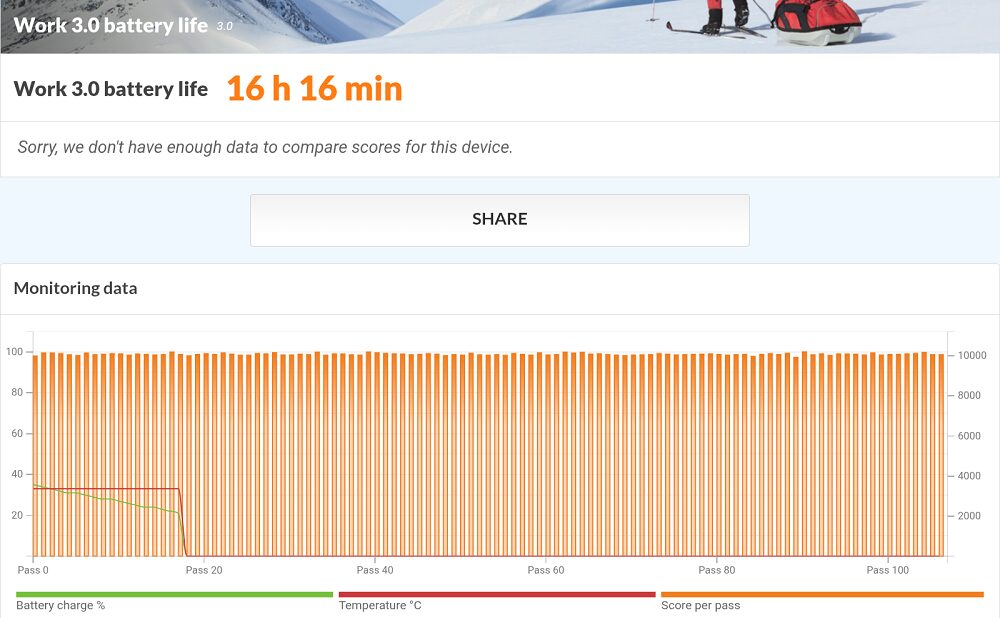
During testing, using the PC Mark Work 3.0 battery life test for mixed-use scenarios, it lasted an impressive 16 hours and 16 minutes, making it a solid choice for extended usage.
Quick Specs and Pricing
- Processor: MediaTek Helio G200, 4G, 6nm
- GPU: Arm Mali-G57 MC2
- Dimensions: 278.18mm x 191.42mm x 7.3mm
- Weight: 622g
- Display: 12.2″ IPS TFT LCD display
- Refresh Rate: 90Hz
- Resolution: 2400 x 1600 (FHD+ ratio)
- Camera: 13MP rear camera, 8MP front camera
- Battery: 10,000mAh, with 33W charging
- Operating System: Android 15
- RAM and Storage: 8GB (expandable to 16GB) and 256GB
- IP Rating: None
- Colors: Storm Grey, Ashy Cyan, Radiant Gold
- Pricing: P13,999
Verdict
At its price range, the TechLife Pad Pro 12″ has several competitions, with almost the same specs, just different priorities. This tablet is ideal for people looking for a decent memory and storage capacities, large battery, and wide display, while being on a tight budget. The option to expand the storage is a good option, but the limited 4G connection does not future-proof the gadget.
Overall, the TechLife Pad Pro 12″ is a commendable option for those seeking an affordably priced tablet that delivers on essential features. This device is particularly well-suited for students and professionals who need a dependable tablet for daily tasks and media consumption.
Pros
- Wide, high-resolution display
- Seamless transition between Android and desktop modes
- Robust battery life for extended use
- Slim and portable design
- Decent chipset for everyday tasks
- AI image editing tools
Cons
- Performance could benefit from a faster chipset for advanced AI tasks
- Limited gaming performance on high settings
- Basic camera capabilities
- Slow charging speed without battery protection
- Device heats up during prolonged gaming sessions